Table of Contents
Introduction: Why Affordable Professional Websites Matter

In 2025, having a professional website is essential for businesses, freelancers, and entrepreneurs worldwide. A well-designed website builds credibility, attracts customers, and establishes your online presence—but it doesn’t have to cost a fortune. Many people assume creating a professional website requires hundreds or even thousands of dollars, but with the right approach, you can build a professional website under $50 step‑by‑step without compromising quality.
Affordable websites are especially important for small businesses, startups, and solopreneurs who need to manage limited budgets while still presenting a polished, trustworthy online image. By choosing the right tools, leveraging free or low-cost templates, and focusing on essential features, you can launch a professional-looking website that supports your goals, engages visitors, and drives growth—all within a tight budget.
In this guide, we’ll show you exactly how to build a professional website under $50 step‑by‑step, covering everything from website builders and hosting to design, content, and SEO optimization. By the end, you’ll have a clear roadmap to create your website quickly, affordably, and effectively.
Step 1 – Choose the Right Website Builder
The first step in learning how to build a professional website under $50 step‑by‑step is selecting the right website builder. Your choice will determine your website’s design flexibility, ease of use, features, and overall cost. Fortunately, there are several affordable platforms that make creating a professional site simple, even on a tight budget.
Top Budget-Friendly Website Builders
- Wix
- Beginner-friendly with drag-and-drop editing
- Free plan available, premium plans start low
- Templates optimized for mobile and SEO
- WordPress.com / WordPress.org
- Free or low-cost hosting options available
- Highly flexible with thousands of free themes and plugins
- Scales well for blogs, business sites, or portfolios
- Weebly / Squarespace (Optional)
- Affordable, beginner-friendly platforms with intuitive editors
- Paid plans often include hosting and templates
- Limited customization compared to WordPress
Free vs Paid Plans
While free plans are tempting, they usually come with:
- Platform branding (Wix/Weebly logos)
- Limited storage or bandwidth
- Fewer features and no custom domain
For a professional look under $50, a basic paid plan is recommended. These plans typically include a custom domain, hosting, and essential features that make your website look polished and trustworthy.
✅ Pro Tip: Focus on ease of use, templates, and built-in SEO tools when choosing a budget website builder. This ensures you can build your site efficiently without technical headaches, keeping costs low.
Step 2 – Select a Domain Name and Hosting
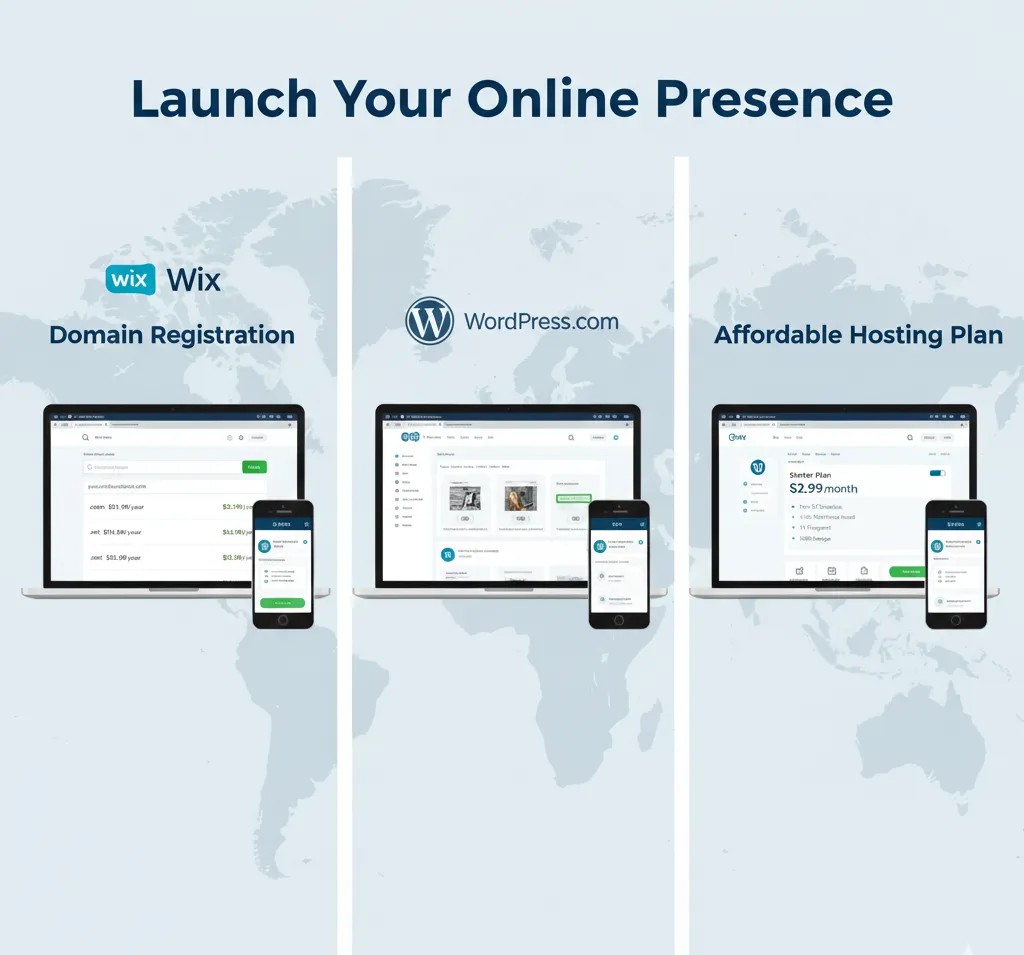
After choosing a website builder, the next crucial step in how to build a professional website under $50 step‑by‑step is picking a domain name and hosting. Your domain is your website’s address (like yourbusiness.com), while hosting is where your website lives online. Both can be affordable if you know where to look.
Choosing a Domain Name
A good domain name should be:
- Short and memorable – Easy to type and remember
- Brandable – Reflects your business or personal brand
- Relevant keywords – Optional, but helps with SEO
- Use affordable extensions –
.comis preferred, but.net,.co, or country-specific extensions can save money
💡 Tip: Many website builders (like Wix or WordPress.com) offer a free domain for the first year when you purchase a plan.
you can read more about Cheapest Domain & Hosting Bundles for Small Businesses by visit this article
Budget-Friendly Hosting Options
If you’re using WordPress.org or want more control, you’ll need hosting. Affordable hosting options include:
- Bluehost – Often $2–$5/month with free domain for the first year
- Hostinger – Low-cost plans starting around $1–$3/month
- SiteGround – Reliable hosting with beginner-friendly features
What to look for in hosting under $50/year:
- Free SSL certificate (secure your site)
- One-click WordPress installation (if using WordPress)
- Good uptime and support
- Sufficient storage and bandwidth for your site
Bundled Hosting & Website Builders
Some website builders include hosting in their paid plans:
- Wix, Weebly, Squarespace – Hosting is included, making setup easier
- WordPress.com – Paid plans include hosting, while WordPress.org requires separate hosting
💡 Pro Tip: For a professional website under $50, combining a low-cost hosting plan with a basic website builder plan often gives the best value.
Step 3 – Design Your Website
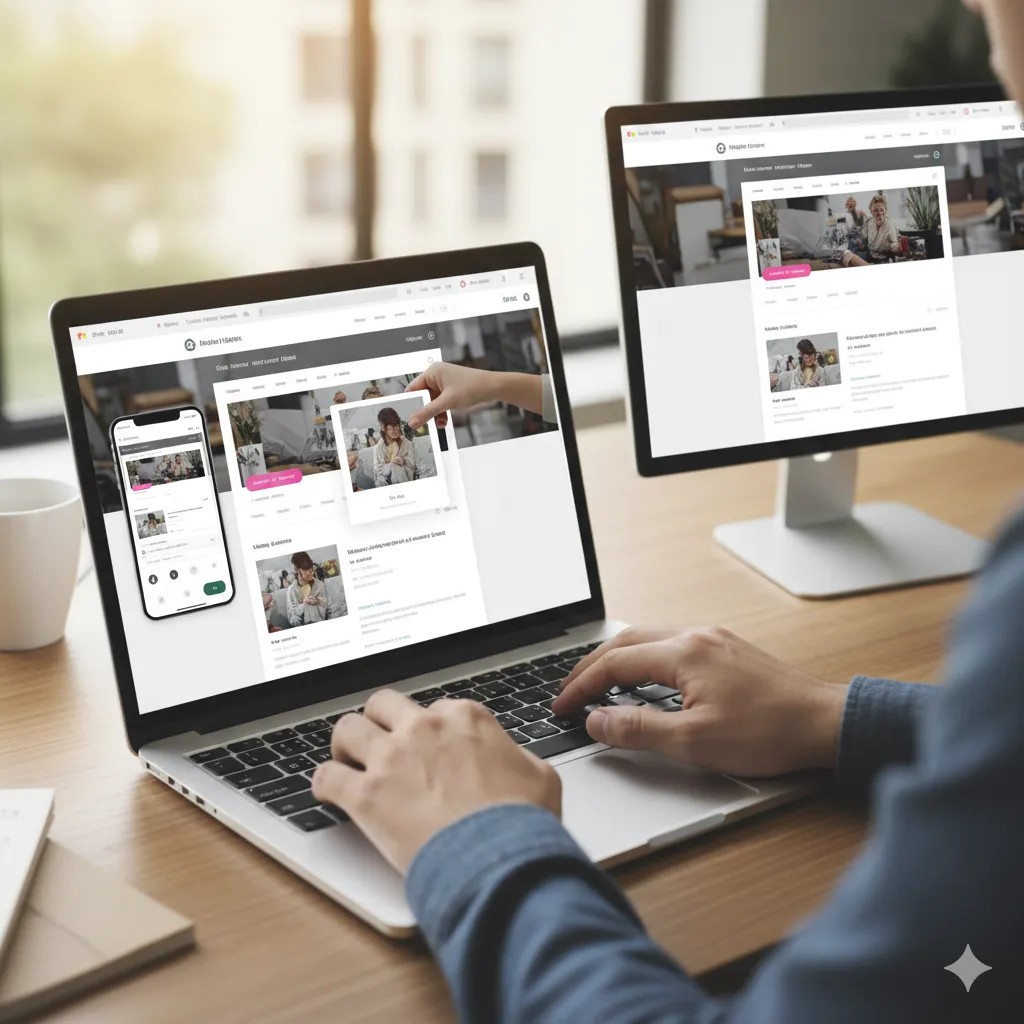
Once you have your website builder, domain, and hosting set up, it’s time to design your professional website. This step is crucial for creating a polished, trustworthy look that engages visitors—all while keeping costs under $50.
Use Free or Low-Cost Templates
Most website builders provide pre-designed templates you can customize:
- Wix / Weebly / Squarespace: Hundreds of free templates for business, portfolio, or blog websites
- WordPress: Thousands of free themes, plus affordable premium options under $50
- Tip: Choose a template that matches your industry to reduce customization time
Customize Branding
Make your website look unique and professional by:
- Uploading your logo (free tools like Canva can help if you don’t have one)
- Choosing consistent fonts, colors, and button styles
- Adding high-quality images (use free stock sites like Unsplash or Pexels)
Add Essential Pages
A professional website should have at least:
- Home Page: Introduce your brand and value proposition
- About Page: Share your story and expertise
- Services / Products Page: Explain what you offer
- Contact Page: Include email, phone, and a contact form
💡 Pro Tip: Keep the layout clean and easy to navigate. A simple design often looks more professional than overly complicated layouts.
Mobile-Friendly and Responsive Design
- Ensure your template automatically adjusts for mobile devices
- Preview your website on smartphones and tablets before publishing
- Use responsive images and layouts to maintain speed and readability
By focusing on templates, branding, essential pages, and mobile optimization, you can create a professional-looking website under $50 without hiring a designer.
Step 4 – Add Content and Essential Features

After designing your website, the next step in how to build a professional website under $50 step‑by‑step is adding high-quality content and essential features. Content informs visitors, builds credibility, and encourages them to take action, while the right features improve functionality and user experience—all without overspending.
Create Clear and Engaging Content
- Home Page: Craft a compelling headline and brief introduction to your brand
- About Page: Share your story, mission, and expertise
- Services / Products Page: Clearly describe offerings with benefits, pricing, or packages
- Blog / Portfolio: Showcase work or provide valuable information to attract visitors
- Contact Page: Include a contact form, email address, phone number, and social links
💡 Pro Tip: Use short paragraphs, bullet points, and headings for readability on mobile devices.
Add Essential Features on a Budget
- Contact Forms: Most builders include free forms or plugins (e.g., WPForms Lite for WordPress)
- Social Media Integration: Link your profiles to drive engagement
- Email Signup Forms: Use free tools like Mailchimp to start building your email list
- Analytics Tools: Google Analytics (free) helps track visitor behavior and growth
- Basic SEO Plugins: Tools like Yoast SEO (WordPress) help optimize content without extra cost
Use Free or Low-Cost Tools
- Stock Images: Unsplash, Pexels, Pixabay
- Icons and Graphics: Flaticon, Canva
- Website Performance: Compress images with TinyPNG to improve loading speed
By focusing on clear content and essential features, you can create a fully functional professional website that engages visitors, builds trust, and operates efficiently—all while staying under the $50 budget.
Step 5 – Optimize for SEO and Launch

The final step in how to build a professional website under $50 step‑by‑step is optimizing your website for search engines and launching it to the world. SEO ensures your website is discoverable, attracts the right visitors, and drives business growth—without additional costs.
1. Basic On-Page SEO
- Title Tags & Meta Descriptions: Include your primary keywords in page titles and meta descriptions.
- Headings: Use H1 for page titles and H2/H3 for subheadings to structure content.
- URL Structure: Keep URLs short, readable, and keyword-friendly (e.g.,
yourwebsite.com/services).
2. Optimize Images
- Compress images using free tools like TinyPNG to reduce load times.
- Use descriptive alt texts for images to improve accessibility and SEO.
- Choose proper file names reflecting content (e.g.,
professional-website-under-50.jpg).
3. Mobile-Friendly and Fast Loading
- Ensure your website is responsive on smartphones and tablets.
- Minimize heavy media files that slow down page loading.
- Test your site speed with tools like Google PageSpeed Insights.
4. Analytics and Tracking
- Set up Google Analytics to track visitor behavior and traffic sources.
- Submit your site to Google Search Console for indexing and monitoring search performance.
5. Launch Checklist
- Preview all pages for design consistency and broken links.
- Test contact forms, buttons, and navigation menus.
- Double-check spelling, grammar, and images.
- Publish your website and announce it via email or social media.
💡 Pro Tip: Even after launch, regularly update content and monitor SEO performance to improve your website’s visibility without extra cost.
Conclusion & Call-to-Action
Building a professional website doesn’t have to break the bank. With the right approach, tools, and strategy, you can create a fully functional, attractive, and mobile-friendly website under $50. By following this step-by-step guide—choosing the right website builder, selecting an affordable domain and hosting, designing your site, adding content and essential features, and optimizing for SEO—you can establish a strong online presence without overspending.
No matter if you’re a small business owner, freelancer, or entrepreneur, taking the time to build your website carefully ensures it looks professional, attracts visitors, and grows your business.
Call-to-Action:
🚀 Ready to launch your professional website under $50? Follow these steps today and start building a website that impresses your visitors and grows your business online!