
Starting a new website can feel overwhelming, especially if you’re unfamiliar with the technical terms like DNS, domains, and SSL. These elements are the foundation of your site—they determine how visitors find you, ensure your site runs smoothly, and keep it secure.
In this beginner’s guide, we’ll break down these concepts in simple, easy-to-understand language. By the end, you’ll know how to choose the right domain, configure DNS settings, and set up SSL to protect your website. No jargon, no confusion—just a step-by-step roadmap to get your site online safely and efficiently.
What Is a Domain and Why It Matters

A domain name is your website’s address on the internet—the name users type into their browser to find your site (e.g., www.yourwebsite.com). Think of it as your website’s digital identity: it represents your brand and makes it easy for visitors to remember and access your content.
Choosing the right domain is crucial because it affects your website’s credibility, search engine rankings, and user trust. A clear, memorable domain helps people find your site faster, while a confusing or overly long domain can drive potential visitors away.
#: How to Choose a Memorable Domain Name
- Keep it short and simple: Easy to type and remember.
- Include keywords related to your niche if possible.
- Avoid numbers, hyphens, or complicated spellings.
- Consider brandability—it should sound professional and appealing.
#: Domain Privacy and Protection Options
- Domain privacy hides your personal contact info from public WHOIS records.
- Domain protection prevents unauthorized transfers or changes.
- Many domain registrars offer these features as add-ons—worth investing for security and peace of mind.
EXTRA – YOU CAN READ MORE ABOUT Cheapest Domain & Hosting Bundles for Small Businesses
Understanding DNS (Domain Name System)
The Domain Name System (DNS) is like the phonebook of the internet. It translates human-friendly domain names (like www.yourwebsite.com) into IP addresses that computers use to locate your website’s server. Without DNS, typing a domain name into a browser wouldn’t take you anywhere.
For beginners, understanding DNS is key because it ensures your website is accessible to visitors and properly connected to email and other services.
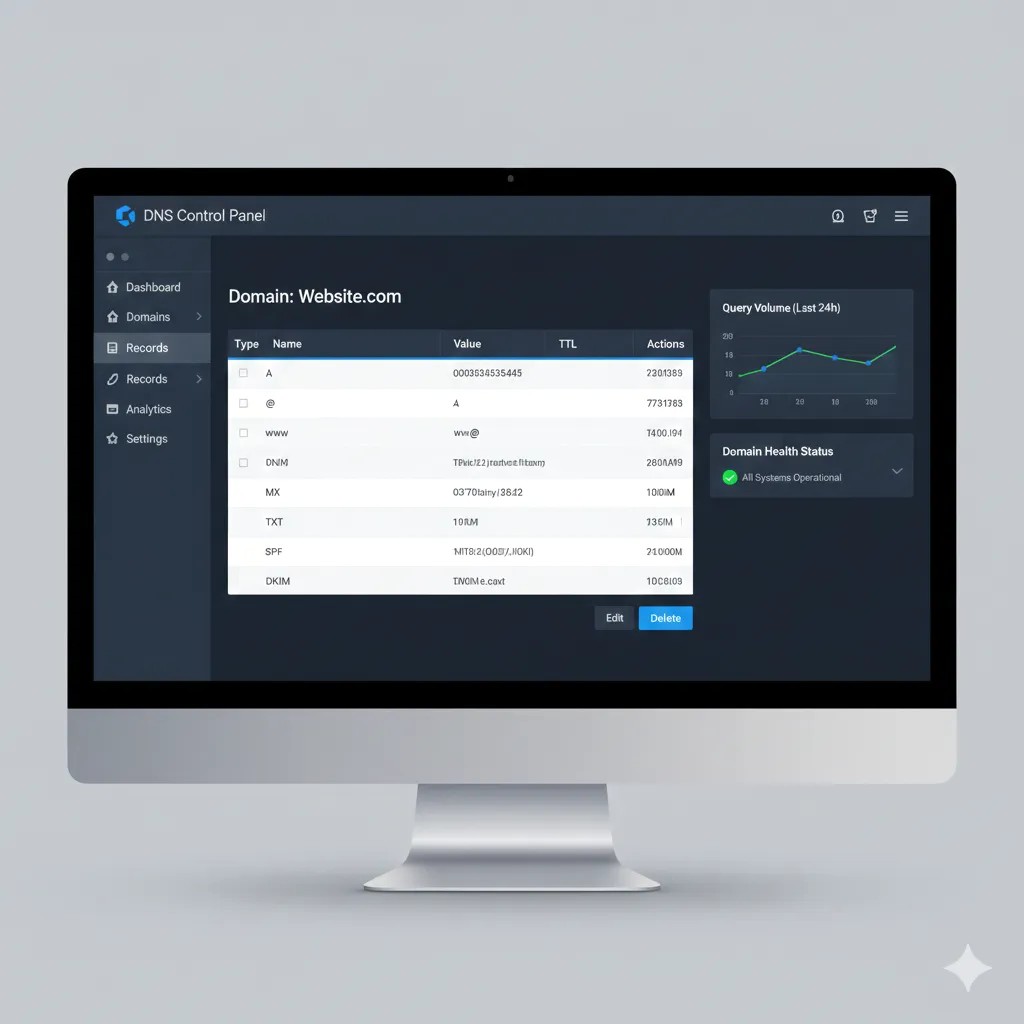
#: Key DNS Records You Should Know
- A Record: Points your domain to your website’s server IP address.
- CNAME Record: Redirects one domain to another (useful for subdomains).
- MX Record: Directs emails to your email server.
- TXT Record: Often used for verification and security purposes, like confirming domain ownership or enabling SPF/DKIM email protection.
#: How to Configure DNS for Your New Site
- Log in to your domain registrar or hosting provider.
- Locate the DNS management section.
- Add or update the necessary records provided by your web host or email provider.
- Save changes and allow up to 48 hours for full propagation across the internet.
#: Common DNS Issues and How to Fix Them
- Website not loading: Check your A record points to the correct server IP.
- Email not working: Verify MX records are correctly set.
- Slow propagation: Be patient; DNS changes can take time to spread globally.
SSL Certificates – Securing Your Website

An SSL certificate (Secure Sockets Layer) encrypts data exchanged between your website and its visitors, keeping sensitive information like passwords and payment details safe. Websites with SSL display a padlock icon in the browser and use HTTPS instead of HTTP, which signals trustworthiness to users and improves SEO rankings.
For new websites, setting up SSL is essential not only for security but also for building credibility with visitors and search engines.
#: Types of SSL Certificates
- Single Domain SSL: Secures one domain. Ideal for small websites or blogs.
- Wildcard SSL: Covers a domain and all its subdomains (e.g.,
blog.yourwebsite.com). - Extended Validation (EV) SSL: Provides the highest level of trust with a green address bar (great for e-commerce or business sites).
#: How to Install SSL on Your Website
- Many hosting providers offer free SSL via Let’s Encrypt or paid SSL options.
- Log in to your hosting dashboard and locate the SSL/TLS section.
- Follow the prompts to activate SSL for your domain.
- Test your website to ensure it loads securely via HTTPS.
#: Verifying SSL and Common Errors
- Check for the padlock icon in your browser to confirm SSL is active.
- Common errors include mixed content warnings (some resources still load over HTTP) or expired certificates.
- Regularly renew SSL certificates and ensure all resources are loaded via HTTPS to avoid security warnings.
Step-by-Step Setup for a New Website
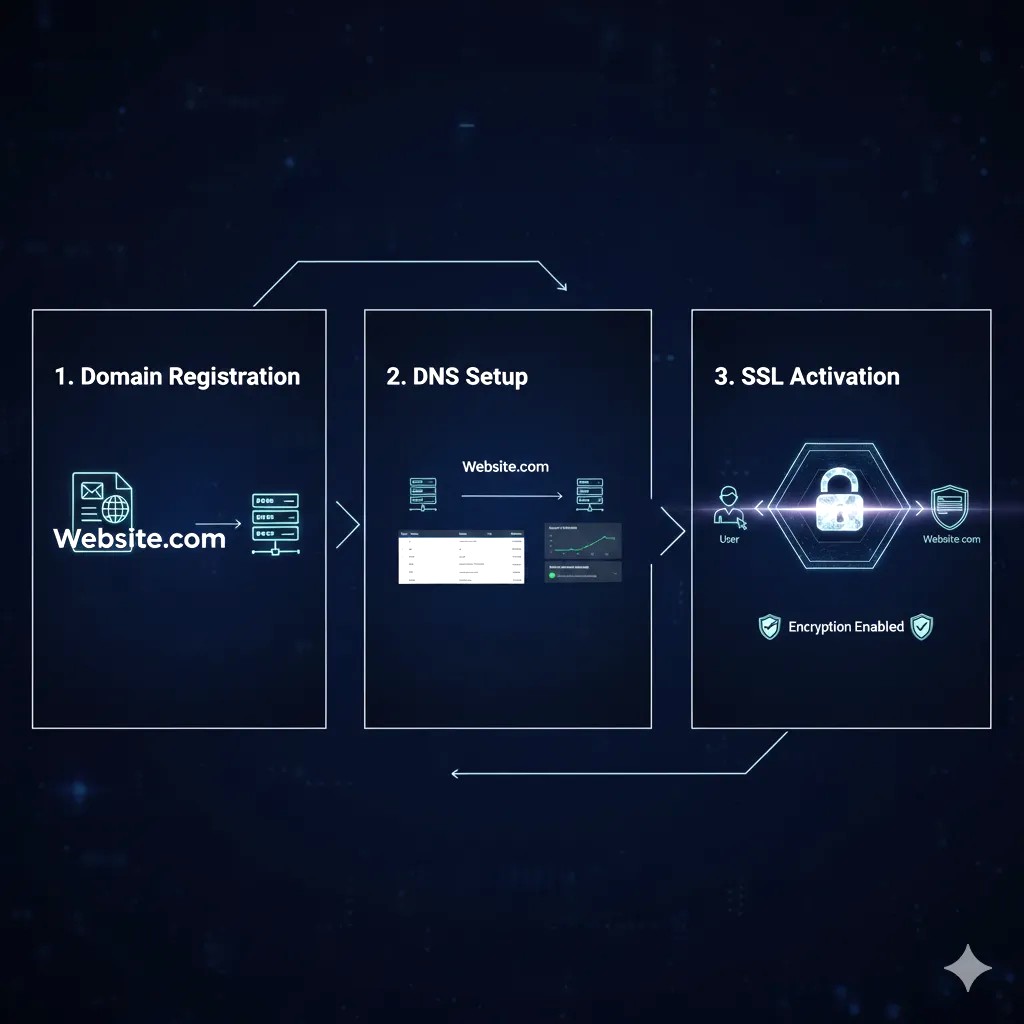
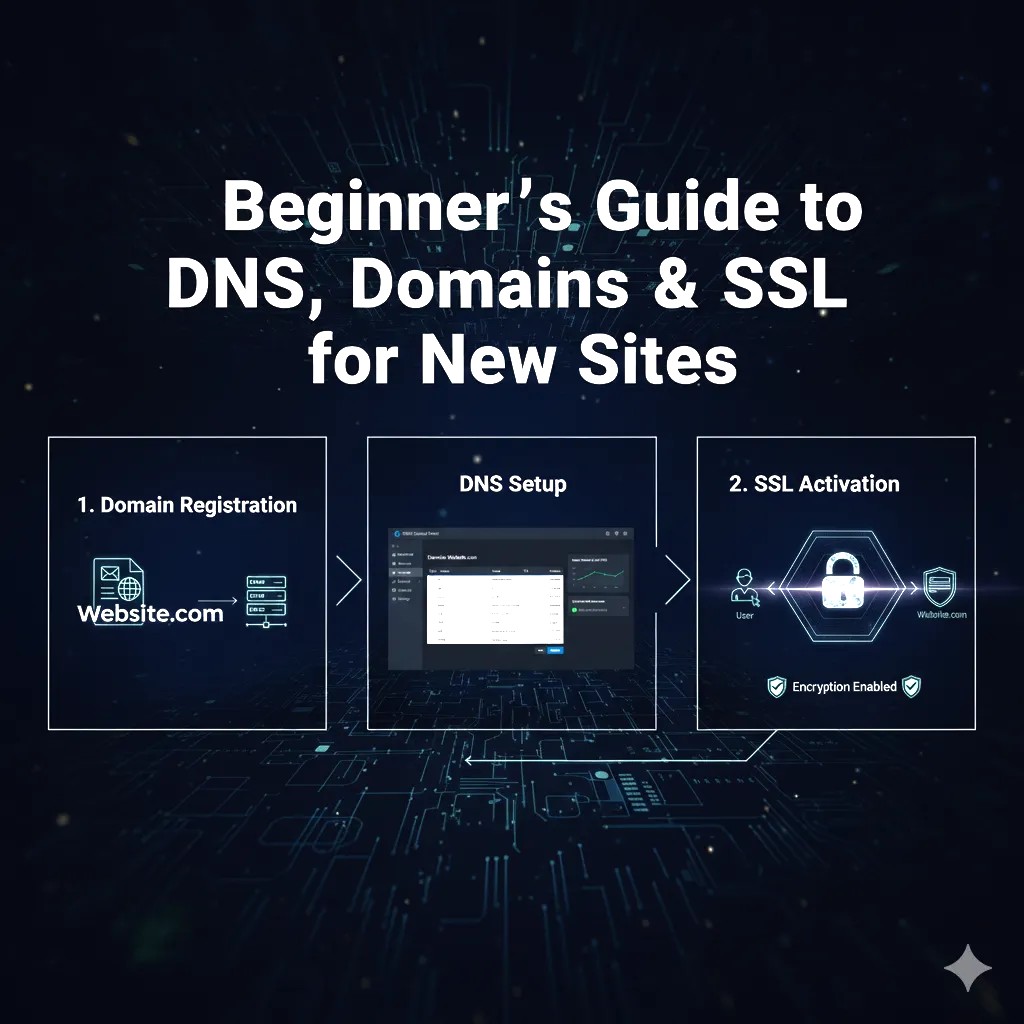
Bringing your website online for the first time may seem complicated, but breaking it down into simple steps makes the process manageable. This guide walks you through registering a domain, configuring DNS, and setting up SSL for a fully functional and secure site.
#: Step 1 – Register Your Domain
- Choose a memorable and brandable domain name.
- Use a trusted domain registrar like Google Domains, Namecheap, or GoDaddy.
- Consider domain privacy protection to hide your personal contact information.
#: Step 2 – Set Up Your DNS
- Log in to your domain registrar or hosting provider.
- Locate the DNS management section.
- Add the necessary A records, CNAME records, and MX records as provided by your host.
- Save changes and wait for DNS propagation (usually up to 48 hours).
#: Step 3 – Install an SSL Certificate
- Activate SSL via your hosting provider (free options like Let’s Encrypt are available).
- Ensure your site loads over HTTPS.
- Check for any mixed content issues and fix them to maintain full site security.
#: Step 4 – Test Your Website
- Access your domain in a browser to confirm it loads correctly.
- Test contact forms, email links, and SSL padlock functionality.
- Use tools like SSL Labs or GTmetrix to verify security and performance.
#: Step 5 – Launch and Monitor
- Announce your website launch on social media or email newsletters.
- Regularly monitor DNS and SSL status to prevent downtime or security issues.
- Make periodic backups to safeguard your site data.
Troubleshooting & Common Mistakes

Even with a clear setup process, beginners often encounter issues when configuring domains, DNS, and SSL. Being aware of common mistakes can save time and prevent frustration.
#: Common Mistakes with Domains
- Choosing a complicated domain name: Long or hard-to-spell domains confuse visitors.
- Neglecting domain renewal: Forgetting to renew your domain can lead to downtime or loss of ownership.
- Skipping domain privacy: Exposing personal information can invite spam or unwanted solicitations.
#: Common DNS Issues
- Incorrect A or CNAME records: Can prevent your website from loading properly.
- MX record misconfiguration: Emails may not reach your inbox.
- DNS propagation impatience: Changes can take up to 48 hours to fully propagate; checking too early may show errors.
#: Common SSL Problems
- Mixed content warnings: Some site resources still load over HTTP instead of HTTPS.
- Expired certificates: Forgetting to renew SSL can trigger security warnings for visitors.
- Installation errors: Incorrect setup can prevent HTTPS from working, making the site appear insecure.
#: Tips for Effective Troubleshooting
- Double-check all DNS records before publishing changes.
- Use online tools like DNS Checker, SSL Labs, or Why No Padlock to identify issues.
- Keep a checklist of domain, DNS, and SSL settings for quick reference.
Conclusion & Call-to-Action
Setting up a new website may seem daunting at first, but understanding domains, DNS, and SSL makes the process much simpler. These elements are the foundation of a secure, professional, and accessible website that visitors can trust.
By carefully choosing a domain, correctly configuring DNS, and installing SSL, you’re ensuring your website runs smoothly and safely from day one.
Now it’s your turn—start building your website today! Register your domain, set up DNS, activate SSL, and take the first step toward establishing your online presence. For extra guidance, consider using a reliable hosting provider that simplifies domain and SSL management, so you can focus on creating great content instead of technical hassles.