
Maintaining a website is more than just keeping it live—it’s about ensuring it runs smoothly, stays secure, and continues to provide a great experience for your visitors. Whether you run a blog, an online store, or a business site, neglecting regular maintenance can lead to slow load times, security vulnerabilities, broken links, and even loss of traffic.
In this guide, we’ll show you how to maintain your website effectively, including the tools you need and a practical schedule to follow. By the end, you’ll have a clear plan to keep your site secure, fast, and always up-to-date—without the stress of wondering what to check next.
Why Website Maintenance Matters

Regular website maintenance is essential for keeping your site secure, fast, and user-friendly. A well-maintained website not only improves your visitors’ experience but also supports your SEO and protects your business from potential issues. Here’s why it matters:
H3: Improve Website Security
Hackers often target outdated plugins, themes, or software vulnerabilities. Regular maintenance, including updates and security scans, helps prevent malware, data breaches, and downtime.
H3: Boost Performance and Speed
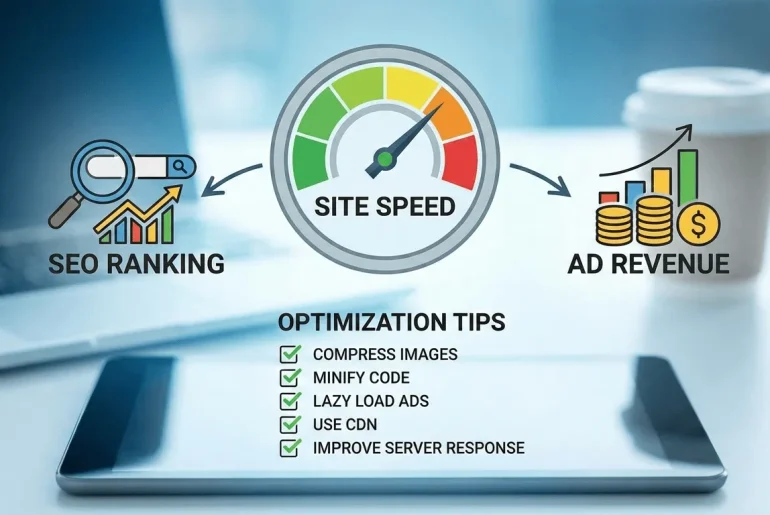
A slow-loading website can frustrate visitors and lead to higher bounce rates. Maintenance tasks like caching, image optimization, and database cleanup ensure your site loads quickly and smoothly.
H3: Enhance User Experience
Broken links, outdated content, or design issues can make navigation frustrating. Consistent maintenance ensures that your site remains intuitive, visually appealing, and functional for all users.
H3: Support SEO and Search Rankings
Search engines favor websites that are regularly updated and error-free. Routine maintenance helps fix broken links, improve site speed, and ensure all content is optimized, giving you a better chance of ranking higher in search results.
H3: Prevent Costly Problems
Ignoring maintenance can lead to critical errors, data loss, or downtime, which can be expensive to fix. A proactive maintenance schedule prevents these issues before they escalate.
Key Areas of Website Maintenance

Website maintenance covers several critical areas to keep your site secure, fast, and user-friendly. Focusing on these areas ensures your website performs well and continues to grow in traffic and conversions.
H3: Security Updates & Backups
Keeping your website secure is the first priority. Regularly update your CMS, plugins, and themes to patch vulnerabilities. Use security plugins or firewalls to prevent attacks, and schedule frequent backups so you can restore your site quickly in case of emergencies.
H3: Performance & Speed Optimization
Website speed affects user experience and SEO. Optimize images, leverage browser caching, and minimize unnecessary scripts. Monitor your site’s load times with tools like Google PageSpeed Insights or GTmetrix to ensure your site stays fast.
H3: Content Updates & SEO Checks
Fresh and accurate content keeps your audience engaged and search engines happy. Regularly update blog posts, product pages, and service information. Check for broken links, optimize meta titles/descriptions, and ensure your content aligns with current SEO best practices.
H3: Design & User Experience Checks
Website design isn’t static. Test your site’s layout across devices and browsers to ensure responsiveness. Check navigation, forms, buttons, and interactive elements to maintain a seamless user experience.
H3: Analytics & Monitoring
Tracking website performance helps you make informed decisions. Use analytics tools to monitor traffic, bounce rates, and conversions. Regular monitoring identifies trends, potential issues, and opportunities for improvement.
Essential Tools for Website Maintenance
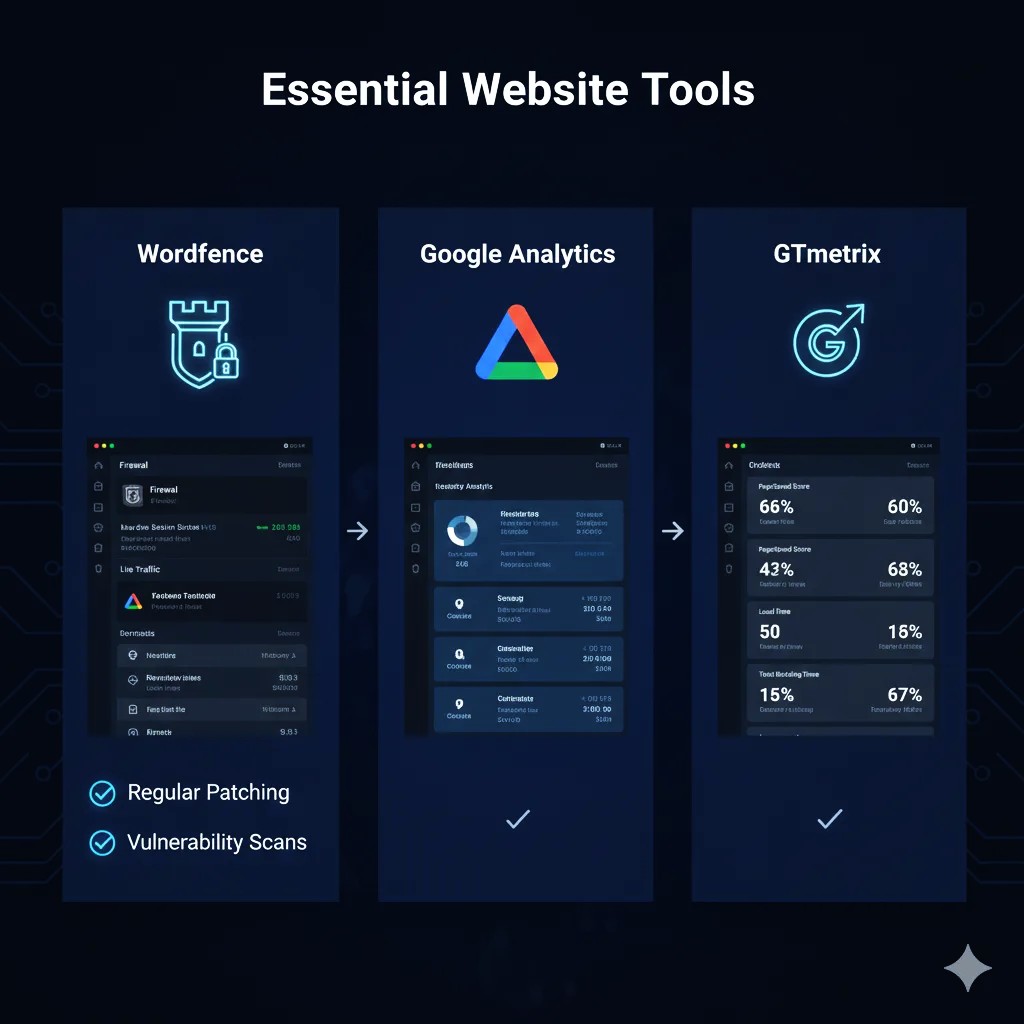
Maintaining a website efficiently requires the right tools. These help you monitor performance, secure your site, and stay organized with updates. Here are some essential categories and tools to include in your maintenance routine:
H3: Security Tools
- Wordfence – Protects WordPress sites from malware and attacks. Learn more
- Sucuri – Offers website firewall and malware scanning for all types of websites. Learn more
H3: Backup Tools
- UpdraftPlus – Automates backups for WordPress websites. Learn more
- BackupBuddy – Comprehensive backup solution for WordPress. Learn more
H3: Performance & Speed Tools
- Google PageSpeed Insights – Analyze and optimize your site speed. Learn more
- GTmetrix – Detailed performance reports and suggestions for faster websites. Learn more
H3: SEO & Content Tools
- Ahrefs – Track SEO performance, backlinks, and keywords. Learn more
- SEMRush – Full SEO toolkit for tracking, auditing, and optimizing content. Learn more
H3: Analytics & Monitoring Tools
- Google Analytics – Monitor traffic, user behavior, and conversions. Learn more
- UptimeRobot – Keep track of website uptime and downtime alerts. Learn more
EXTRA YOU CAN READ MORE ABOUT How to Maintain Your Website: Tools & Schedules You Need BY VISIT THIS ARTICLE
Creating a Website Maintenance Schedule
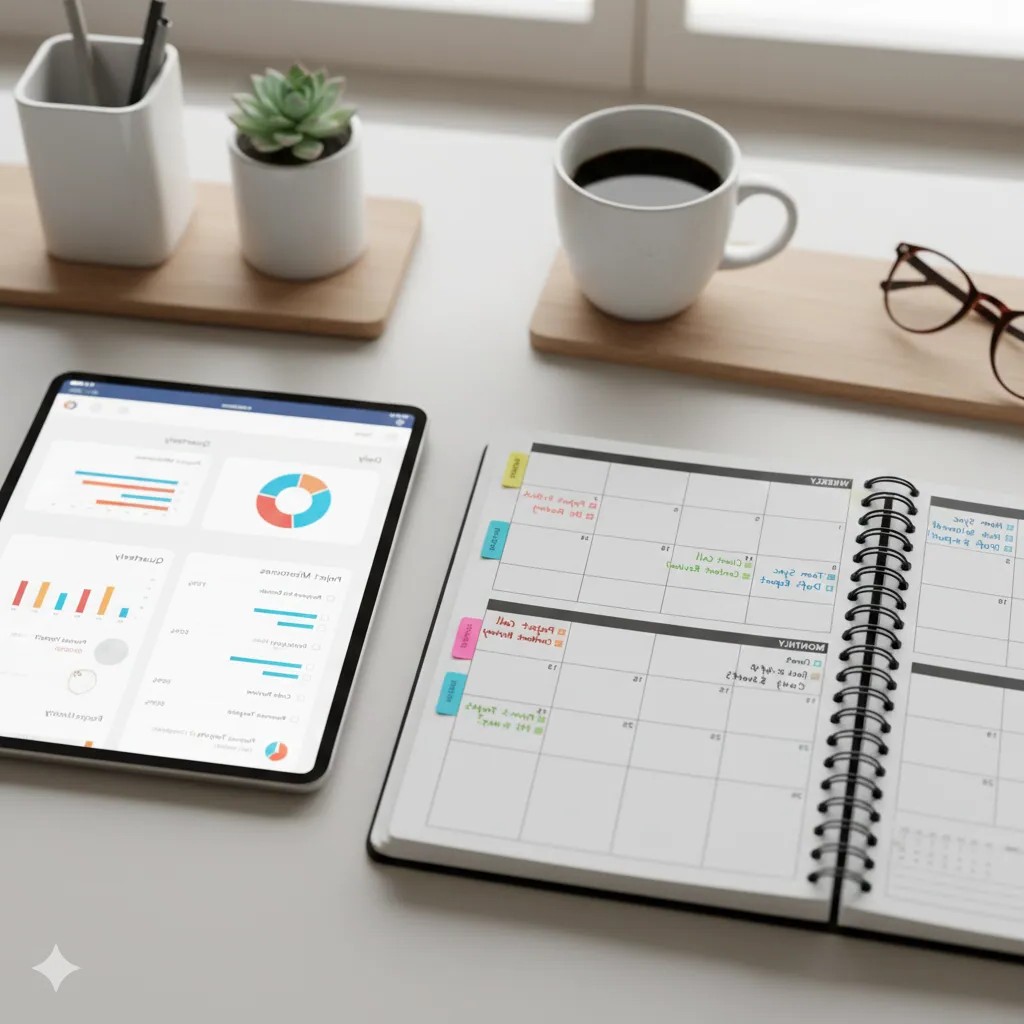
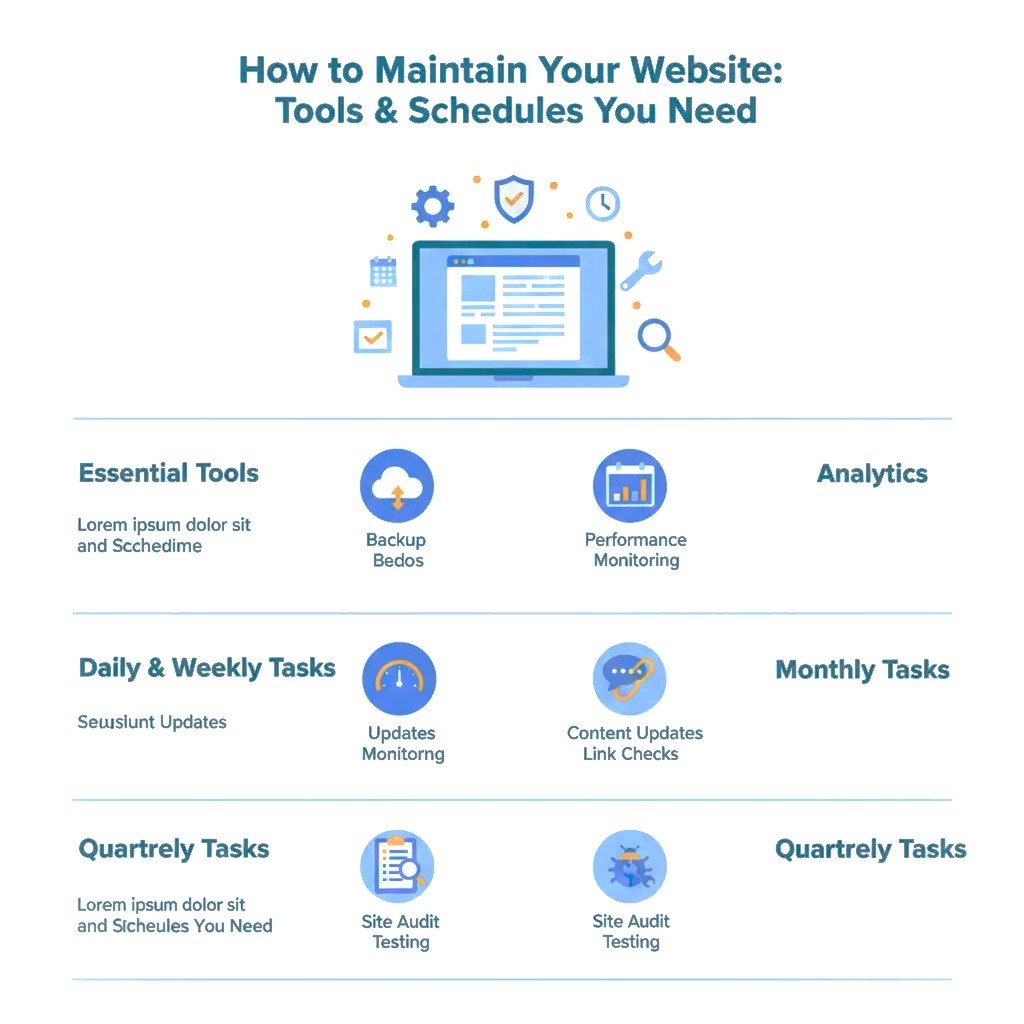
A well-structured maintenance schedule keeps your website running smoothly without missing important updates. Dividing tasks into daily, weekly, monthly, and quarterly routines ensures your site remains secure, fast, and user-friendly.
H3: Daily Tasks
- Check for website downtime using tools like UptimeRobot.
- Monitor security alerts and scan for malware or suspicious activity.
- Test forms and contact pages to ensure they work correctly.
H3: Weekly Tasks
- Update plugins, themes, and CMS to patch vulnerabilities.
- Review and update content for accuracy and freshness.
- Check for broken links and fix any 404 errors.
- Optimize images to maintain fast loading speeds.
H3: Monthly Tasks
- Perform performance tests using tools like Google PageSpeed Insights or GTmetrix.
- Review analytics for traffic trends, bounce rates, and user behavior.
- Conduct SEO checks: update meta tags, headings, and keywords as needed.
- Test backups to ensure restoration works correctly.
H3: Quarterly Tasks
- Full site audit to identify any design or UX issues.
- Review SEO performance and adjust strategy.
- Update your maintenance checklist to reflect new tools or processes.
- Evaluate hosting and security services to ensure optimal performance and protection.
Common Mistakes to Avoid
Even with the best intentions, website maintenance can go wrong if certain pitfalls are ignored. Avoid these common mistakes to keep your site secure, fast, and user-friendly:
H3: Skipping Regular Updates
Ignoring CMS, plugin, or theme updates can leave your website vulnerable to security breaches and software conflicts. Always keep your website components up to date.
H3: Neglecting Backups
Failing to create regular backups puts your website at risk of data loss from hacking, server failures, or accidental deletions. Always have automated backups in place.
H3: Ignoring Performance Issues
Slow loading times, broken links, and unoptimized images frustrate users and hurt SEO. Regularly monitor performance and optimize accordingly.
H3: Overlooking Security Scans
Relying solely on hosting security or ignoring malware scans can lead to unnoticed vulnerabilities. Use security plugins or external tools to scan your site frequently.
H3: Inconsistent Content Updates
Outdated content can harm your search rankings and reduce user trust. Update your pages, blog posts, and product information consistently to keep content fresh.
H3: Skipping Analytics Monitoring
Without tracking user behavior, traffic trends, and conversion rates, you may miss opportunities to improve your website’s performance. Regularly review analytics to make informed decisions.
Conclusion & Call-to-Action:
Regular website maintenance is not just a technical task—it’s an essential part of running a successful online presence. By following a structured schedule, using the right tools, and staying vigilant against common mistakes, you can keep your website secure, fast, and user-friendly.
Start by implementing daily, weekly, and monthly maintenance routines, monitor your site’s performance, and always prioritize security and content updates. A well-maintained website not only improves user experience but also boosts SEO, increases traffic, and protects your business from costly issues.
Take Action Today: Set up a maintenance schedule, install the recommended tools, and commit to regular updates. Your website’s health and growth depend on consistent care—don’t wait for problems to arise!