Table of Contents
Introduction: Why Choosing the Right Website Platform Matters in 2025
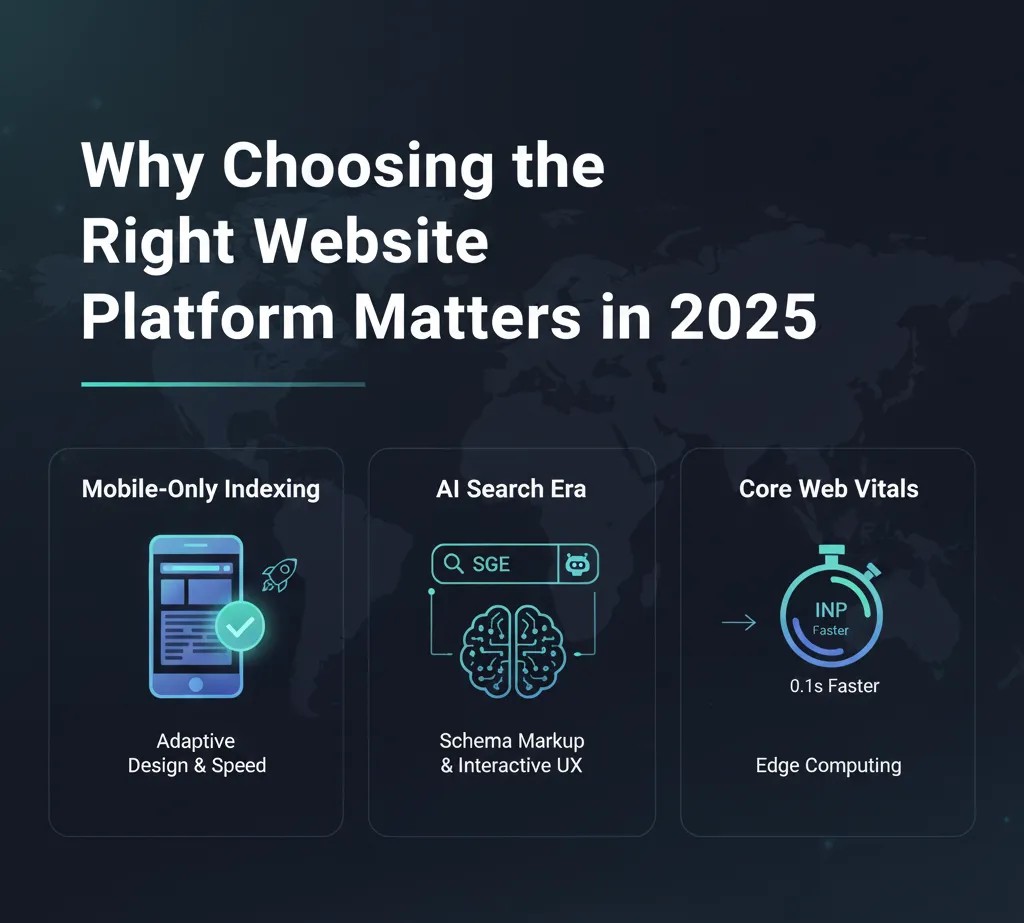
In 2025, having a website is no longer just an option—it’s a business necessity. Whether you are running a small business, an online store, or a personal project, the platform you choose shapes your website’s speed, SEO performance, scalability, and overall user experience. Choosing the right website platform can save time, reduce costs, and ensure your online presence grows with your goals.
With options like Wix, WordPress, and Shopify, business owners and entrepreneurs have powerful tools at their fingertips. Each platform offers unique advantages: Wix makes designing simple and intuitive, WordPress provides unmatched flexibility and scalability, and Shopify excels in building and managing e-commerce stores.
In this guide, we will explore Wix vs WordPress vs Shopify: What Works Best in 2025, breaking down pricing, ease of use, performance, and growth potential. By the end, you’ll know which platform fits your business needs and how to leverage it for long-term online success.
Overview of Wix, WordPress, and Shopify
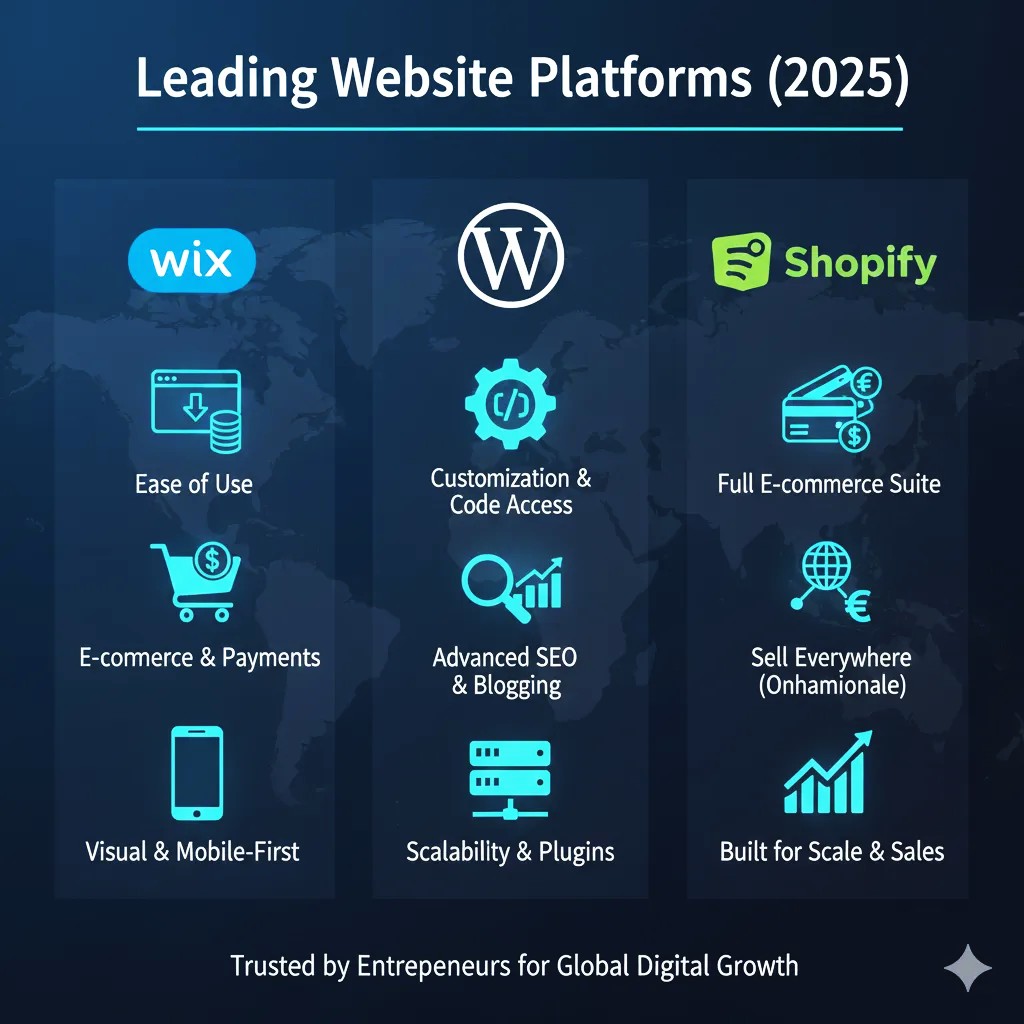
When deciding which platform to use in 2025, understanding the core strengths and features of Wix, WordPress, and Shopify is essential. Each platform caters to different types of users, business needs, and technical skill levels.
Wix – Easy Drag-and-Drop Builder
Wix is a beginner-friendly website builder known for its intuitive drag-and-drop interface. It allows small business owners and entrepreneurs to create professional-looking websites without coding knowledge. With hundreds of customizable templates, built-in SEO tools, and mobile-optimized designs, Wix is perfect for small businesses, portfolios, and service-oriented websites.
Key Highlights:
- Beginner-friendly drag-and-drop editor
- Wide selection of responsive templates
- Built-in SEO and marketing tools
- App Market for added functionality
WordPress – Flexible and Scalable CMS
WordPress is a powerful content management system (CMS) used by millions of websites worldwide. WordPress.com (hosted) and WordPress.org (self-hosted) offer flexibility, scalability, and customization through themes and plugins. It’s ideal for blogs, business websites, and larger projects that require advanced features and control over design and functionality.
Key Highlights:
- Highly customizable with thousands of themes and plugins
- Excellent for SEO and content marketing
- Scalable for growing businesses
- Strong developer community for support
Shopify – E-Commerce Powerhouse
Shopify is specifically built for online stores and e-commerce businesses. It simplifies selling products online, managing inventory, and processing payments. With Shopify, small businesses can set up a fully functional online store quickly, reach global markets, and scale as sales grow.
Key Highlights:
- Specialized for e-commerce and online selling
- Supports multiple payment gateways and currencies
- Mobile-optimized shopping experience
- Built-in analytics and marketing tools
This overview sets the stage for comparing Wix vs WordPress vs Shopify: What Works Best in 2025, helping businesses choose the right platform based on their goals, technical skill, and growth plans.
Pricing Comparison

When choosing between Wix vs WordPress vs Shopify: What Works Best in 2025, pricing is one of the first things most people evaluate. But it’s more than just monthly fees — it’s total cost of ownership, including hosting, themes, plugins, and add‑ons. Let’s break it down so you can choose wisely.
Wix Pricing Overview
Wix offers tiered subscription plans that bundle hosting, templates, and basic features together. It’s straightforward and ideal for beginners who want predictable monthly costs.
Typical Plans (2025 estimates):
- Free / Starter – Basic site with Wix branding (not ideal for business)
- Combo – Good for personal or small businesses starting out
- Unlimited / Professional – Best value for growing businesses
- Business & eCommerce – For online selling with payment options
What’s Included:
✔ Hosting and SSL included
✔ Drag‑and‑drop editor
✔ Basic SEO tools
❌ Some advanced apps cost extra
💡 Best For: Simple business sites, portfolios, service pages without heavy e‑commerce needs.
WordPress Pricing Overview
WordPress itself is free, but costs vary depending on how you set it up. There are two main ways to use WordPress:
Hosted (WordPress.com)
- Free starter plan (with ads & branding)
- Personal, Premium, Business, and eCommerce tiers
Includes hosting and tools but still has limits.
Self‑Hosted (WordPress.org)
This is the most common setup for serious websites.
Cost Components:
- Hosting – $3–$30+ per month (depending on provider)
- Domain – ~$10–$20/year
- Premium Themes / Plugins – $0–$200+ one‑time or yearly
- Maintenance Security Tools – Optional
What’s Included:
✔ Full control and customization
✔ Powerful SEO tools
✔ Huge plugin ecosystem
✔ Scales with your business
💡 Best For: Blogs, content‑driven sites, advanced custom websites, large portfolios, and scalable business platforms.
EXTRA -YOU CAN READ MORE ABOUT Setup Checklist: WordPress for Your First Business Website BY VISIT THIS ARTICLE
Shopify Pricing Overview
Shopify is built for e‑commerce, and its pricing reflects a focus on online selling.
Typical Plans (2025 estimates):
- Basic Shopify – For new online stores
- Shopify – Most popular with essential sales tools
- Advanced Shopify – Larger businesses with advanced reporting
What’s Included:
✔ Online store with payment processing
✔ Inventory management
✔ Shopping cart, checkout, and analytics
❌ Transaction fees unless using Shopify Payments
💡 Best For: E‑commerce businesses, large product catalogs, global selling.
Side‑by‑Side Pricing Comparison
| Platform | Starting Price | Hosting Included | E‑Commerce Support | Extra Costs |
|---|---|---|---|---|
| Wix | Medium | ✔️ Yes | Limited (Business Plans) | Apps, Premium Templates |
| WordPress | Low–High (variable) | ❌ Depends (self‑hosted) | Excellent with WooCommerce | Hosting, Plugins, Themes |
| Shopify | Higher (for e‑comm) | ✔️ Yes | ⭐⭐⭐⭐⭐ | Transaction fees (if not Shopify Payments) |
Top Pricing Tips for 2025
✔️ Factor in add‑ons like premium templates, apps, email tools, and analytics — these can add to monthly costs.
✔️ Think long term — WordPress can be cheaper or more expensive depending on your setup, but it scales.
✔️ E‑commerce requires investment — Shopify’s pricing is higher, but it includes comprehensive selling tools.
By comparing costs alongside features, you’ll be able to answer: Wix vs WordPress vs Shopify: What Works Best in 2025 for your specific needs — whether you’re a small blog, a business site, or a growing online store.
Ease of Use & Technical Skills

When comparing Wix vs WordPress vs Shopify: What Works Best in 2025, ease of use and technical requirements are crucial factors. The right platform should match your skill level and allow you to manage your website efficiently without unnecessary frustration.
Wix – Beginner-Friendly Drag-and-Drop
Wix is designed for users with little to no technical experience. Its drag-and-drop editor allows you to place elements anywhere on the page and customize templates visually. You can launch a professional website within hours.
Pros:
- Intuitive editor with pre-designed templates
- No coding skills required
- Built-in SEO and marketing tools
- Fast setup for portfolios, blogs, and small business sites
Cons:
- Limited flexibility for advanced customizations
- Switching templates after launch can be cumbersome
💡 Best For: Beginners, small businesses, service websites, and portfolios.
WordPress – Flexible but Requires Some Technical Knowledge
WordPress is extremely powerful, but it comes with a learning curve. Understanding themes, plugins, hosting, and updates requires more technical knowledge than Wix or Shopify. However, this flexibility allows for virtually limitless customization and scalability.
Pros:
- Full control over website design and functionality
- Thousands of plugins for SEO, e-commerce, and marketing
- Highly scalable for growing businesses
Cons:
- Requires basic understanding of hosting, themes, and plugins
- Updates and security management can be challenging for beginners
💡 Best For: Users comfortable with technology or willing to learn, bloggers, content-driven sites, scalable business websites.
Shopify – Simple for E-Commerce, Limited Beyond Selling
Shopify is built to simplify online selling. Setting up products, payment gateways, and checkout is straightforward. However, it is primarily focused on e-commerce, so non-store websites may feel constrained.
Pros:
- Easy product setup and inventory management
- Intuitive dashboard for store management
- Built-in analytics and marketing tools
Cons:
- Limited design flexibility compared to WordPress
- Primarily for online stores, not general websites
💡 Best For: Small to medium e-commerce businesses, online retailers, and entrepreneurs focused on selling products.
Summary
- Wix: Easiest for non-technical users, fast setup
- WordPress: Most flexible, requires some technical skills
- Shopify: Simple for online stores, limited for general websites
Understanding your technical comfort level helps answer Wix vs WordPress vs Shopify: What Works Best in 2025 for your business, ensuring you choose a platform that is both easy to manage and scalable for the future.
Performance & Mobile Optimization
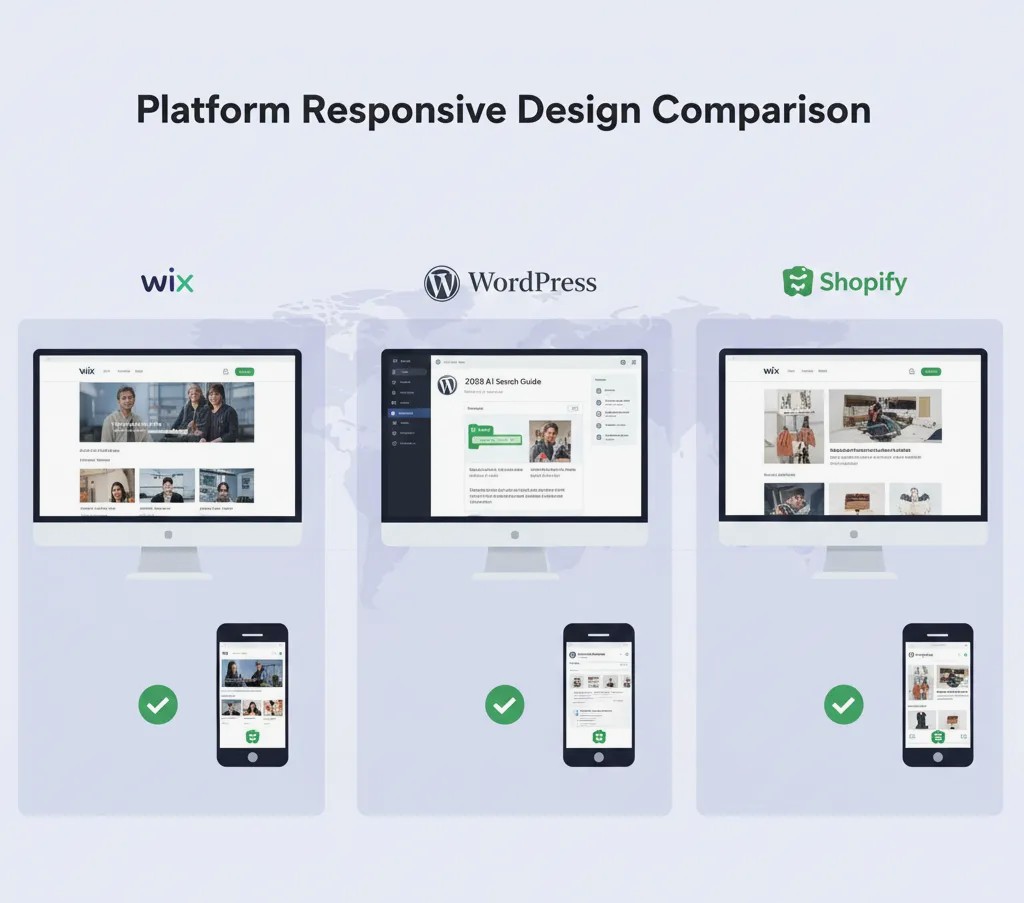
When evaluating Wix vs WordPress vs Shopify: What Works Best in 2025, website performance and mobile optimization are key factors. A fast, mobile-friendly site improves user experience, increases conversions, and boosts SEO rankings—critical for global businesses and online stores.
Wix – Optimized for Beginners
Wix provides built-in performance optimization and responsive templates. Sites generally load quickly, and most templates are mobile-friendly by default. However, complex apps or heavy media can slow down performance.
Pros:
- Mobile-responsive templates included
- Automatic updates and optimization
- Easy to test mobile views in the editor
Cons:
- Loading speed may vary with large media or third-party apps
- Less control over advanced performance tweaks
💡 Best For: Small business websites, portfolios, service sites needing fast setup and mobile-ready design.
WordPress – Highly Flexible Performance
WordPress allows full control over performance, but it requires careful setup. Hosting choice, caching, image optimization, and plugin selection all affect speed. Mobile optimization depends on the theme used, but modern WordPress themes are mostly responsive.
Pros:
- Optimize speed with caching plugins, CDNs, and image compression
- Fully responsive themes available
- Scalability for high-traffic sites
Cons:
- Performance depends on hosting quality and configuration
- Requires technical knowledge for optimization
💡 Best For: Content-heavy websites, blogs, or businesses aiming for long-term growth and high traffic.
Shopify – Built for E-Commerce Speed
Shopify ensures fast loading and mobile-friendly design out of the box. Its servers are optimized for e-commerce, handling traffic spikes efficiently. Templates are responsive, and checkout flows are mobile-optimized to maximize conversions.
Pros:
- Fast loading with global hosting infrastructure
- Mobile-optimized checkout and shopping experience
- Built-in CDN and caching
Cons:
- Limited customization for performance tweaks beyond Shopify’s platform
- Heavy apps can slightly affect speed
💡 Best For: E-commerce businesses where performance and mobile experience directly impact sales.
Summary
- Wix: Mobile-ready and beginner-friendly, may slow with heavy apps
- WordPress: Highly flexible, speed depends on hosting & optimization
- Shopify: Optimized for e-commerce performance and mobile checkout
Ensuring your website loads fast and works seamlessly on mobile devices is essential for deciding Wix vs WordPress vs Shopify: What Works Best in 2025, especially in mobile-first markets.
E-Commerce & Scalability
When considering Wix vs WordPress vs Shopify: What Works Best in 2025, evaluating e-commerce capabilities and scalability is essential. Your platform should not only handle current business needs but also grow with your business over time.
Wix – Beginner-Friendly E-Commerce
Wix offers basic e-commerce features through its Business & eCommerce plans. Small businesses can sell products, manage inventory, and accept payments online. While it’s simple to set up, Wix is best for stores with a smaller catalog and limited advanced requirements.
Pros:
- Easy product setup and store management
- Built-in payment gateways for global and local markets
- Drag-and-drop design for online store pages
Cons:
- Limited advanced e-commerce features
- Scaling to a large product catalog or complex stores can be challenging
💡 Best For: Small shops, service-based businesses, and businesses testing online sales.
WordPress – Flexible & Scalable E-Commerce with WooCommerce
WordPress paired with WooCommerce is highly scalable. It allows businesses to build small shops or large online stores with hundreds of products, multiple payment gateways, subscriptions, and advanced analytics. The trade-off is that setup is more technical than Wix or Shopify.
Pros:
- Complete control over product management, design, and features
- Scales from small shops to enterprise-level stores
- Supports advanced plugins for marketing, shipping, and inventory
Cons:
- Requires hosting, security, and plugin management
- Technical knowledge needed to fully optimize performance
💡 Best For: Businesses planning long-term growth and high-volume e-commerce operations.
Shopify – E-Commerce Powerhouse
Shopify is built specifically for online selling, making it the easiest platform to scale for e-commerce. It handles large inventories, multiple sales channels (online, social media, marketplaces), and global payment processing. Shopify also ensures fast checkout and secure transactions.
Pros:
- Scales effortlessly for small to large e-commerce businesses
- Multiple payment gateways and multi-currency support
- Built-in analytics and marketing tools
- Handles high traffic without performance issues
Cons:
- Less flexibility for non-store websites
- Additional apps may add monthly costs
💡 Best For: Medium to large e-commerce businesses or entrepreneurs planning global sales.
Summary
- Wix: Simple, beginner-friendly stores; limited scalability
- WordPress + WooCommerce: Highly flexible, excellent for growing online stores, technical setup required
- Shopify: Optimized for e-commerce growth, seamless scaling, minimal technical maintenance
Choosing the right platform based on e-commerce needs and scalability ensures your website can handle growth and changing business demands, helping answer Wix vs WordPress vs Shopify: What Works Best in 2025.
Support & Community
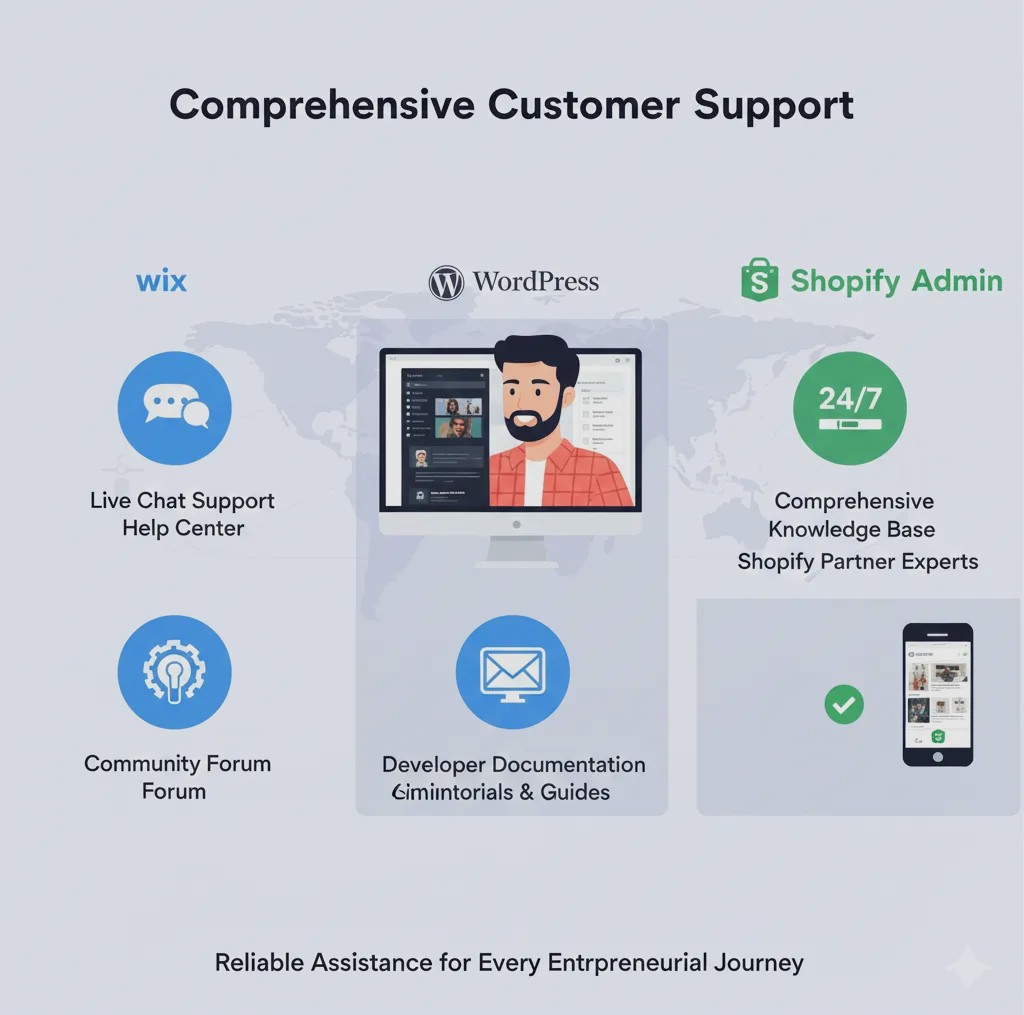
When comparing Wix vs WordPress vs Shopify: What Works Best in 2025, support and community resources are often underrated but hugely important. The platform you choose should offer reliable help when you’re stuck and a strong community you can lean on for tutorials, troubleshooting, and growth tips.
Wix – Guided Support with Knowledge Base
Wix provides built‑in support options that are friendly for beginners. You can access a detailed help center, step‑by‑step tutorials, and customer support via chat or email. Wix also offers articles and video guides covering common tasks like SEO settings, template edits, and e‑commerce setup.
Strengths:
✔ Easy‑to‑navigate help center
✔ Personalized support options
✔ Helpful onboarding guides
Limitations:
❌ Limited community discussion compared to open platforms
❌ Support quality can vary based on plan level
💡 Best For: Users who want direct support and clear documentation without needing deep technical forums.
WordPress – Massive Community & Endless Resources
WordPress has one of the largest communities in the web world. Because it’s open source and widely used, you can find tutorials, forums, blogs, videos, and expert consultants for virtually any task. The community is global, active, and constantly sharing code snippets, plugins, performance tips, and SEO strategies.
Strengths:
✔ Huge global community
✔ Extensive documentation and tutorials
✔ Third‑party forums, Facebook groups, Reddit communities
✔ Thousands of developers and agencies for hire
Limitations:
❌ No centralized official support for self‑hosted WordPress.org
❌ Quality of help depends on community sources
💡 Best For: Users who love flexibility and don’t mind tapping into community support and independent expert guidance.
Shopify – Dedicated Help and Merchant Resources
Shopify offers 24/7 support for all plan levels, making it a solid choice if you want professional help at any hour. Support channels include live chat, phone support, email, and an extensive help center. On top of that, Shopify has a thriving community of developers, partners, and store owners who share tips, apps, and strategies in forums and online groups.
Strengths:
✔ 24/7 dedicated support
✔ Extensive merchant guides and tutorials
✔ Encouraging ecosystem of developers and experts
Limitations:
❌ Support can be more store‑focused—less helpful for non‑ecommerce questions
❌ Third‑party solution answers are sometimes premium
💡 Best For: E‑commerce business owners who want direct, reliable support anytime.
Community & Resources Comparison
| Platform | Official Support | Community Forums | Tutorials & Guides | Expert Help Available |
|---|---|---|---|---|
| Wix | ✔ Yes | ✔ Limited | ✔ Yes | ✔ Moderate |
| WordPress | ❌ (self‑hosted) | ✔ Huge Global | ✔ Extensive | ✔ Excellent |
| Shopify | ✔ 24/7 Support | ✔ Active | ✔ Extensive | ✔ Excellent |
Final Thought
Support and community make a real difference when comparing Wix vs WordPress vs Shopify: What Works Best in 2025. If you want structured professional help, Shopify and Wix offer built‑in support. For deep customization, creativity, and problem‑solving advice, WordPress’ global community is hard to beat.
Pros and Cons
A clear pros and cons comparison helps small business owners quickly see the strengths and limitations of each platform when deciding Wix vs WordPress vs Shopify: What Works Best in 2025.
Wix
Pros:
- Beginner-friendly drag-and-drop editor
- Fast website setup with pre-designed templates
- Built-in SEO and marketing tools
- Affordable entry-level plans
Cons:
- Limited flexibility for advanced customization
- Switching templates after launch is difficult
- E-commerce features less robust than Shopify or WordPress + WooCommerce
WordPress
Pros:
- Highly flexible and customizable
- Extensive library of plugins and themes
- Excellent SEO capabilities
- Scalable for growing businesses and high-traffic websites
Cons:
- Requires technical knowledge for setup and maintenance
- Performance depends on hosting and optimization
- Security and updates must be managed manually
Shopify
Pros:
- Built specifically for e-commerce and online stores
- Fast and mobile-optimized performance
- Handles inventory, payments, and checkout seamlessly
- 24/7 support and large ecosystem of apps
Cons:
- Limited flexibility for non-e-commerce websites
- Monthly pricing is higher than Wix or basic WordPress setups
- Additional apps can increase ongoing costs
Quick Visual Summary
| Platform | Best For | Pros | Cons |
|---|---|---|---|
| Wix | Small business sites, portfolios | Easy setup, templates, beginner-friendly | Limited e-commerce, less flexible |
| WordPress | Blogs, scalable business sites | Customizable, SEO, scalable | Technical setup, maintenance required |
| Shopify | E-commerce stores | E-commerce features, mobile-ready, support | Expensive, limited for non-store sites |
This section helps readers weigh the advantages and disadvantages at a glance, making it easier to decide which platform suits their needs for 2025.
Conclusion & Call-to-Action
Choosing the right platform is a critical step for any website in 2025. Whether you’re starting a small business, a blog, or an online store, selecting between Wix, WordPress, and Shopify can determine your site’s success, growth potential, and ease of management.
- Wix is ideal for beginners and small businesses looking for a simple, drag-and-drop website.
- WordPress offers unmatched flexibility and scalability for content-driven sites and businesses planning long-term growth.
- Shopify is the go-to solution for e-commerce businesses that need robust selling tools and seamless mobile-optimized checkout.
By carefully considering your business goals, technical skills, and growth plans, you can pick the platform that aligns best with your vision.
Call-to-Action:
🚀 Ready to build your website in 2025? Compare Wix, WordPress, and Shopify today and choose the platform that will help your business grow online with confidence. Start building your website now!